
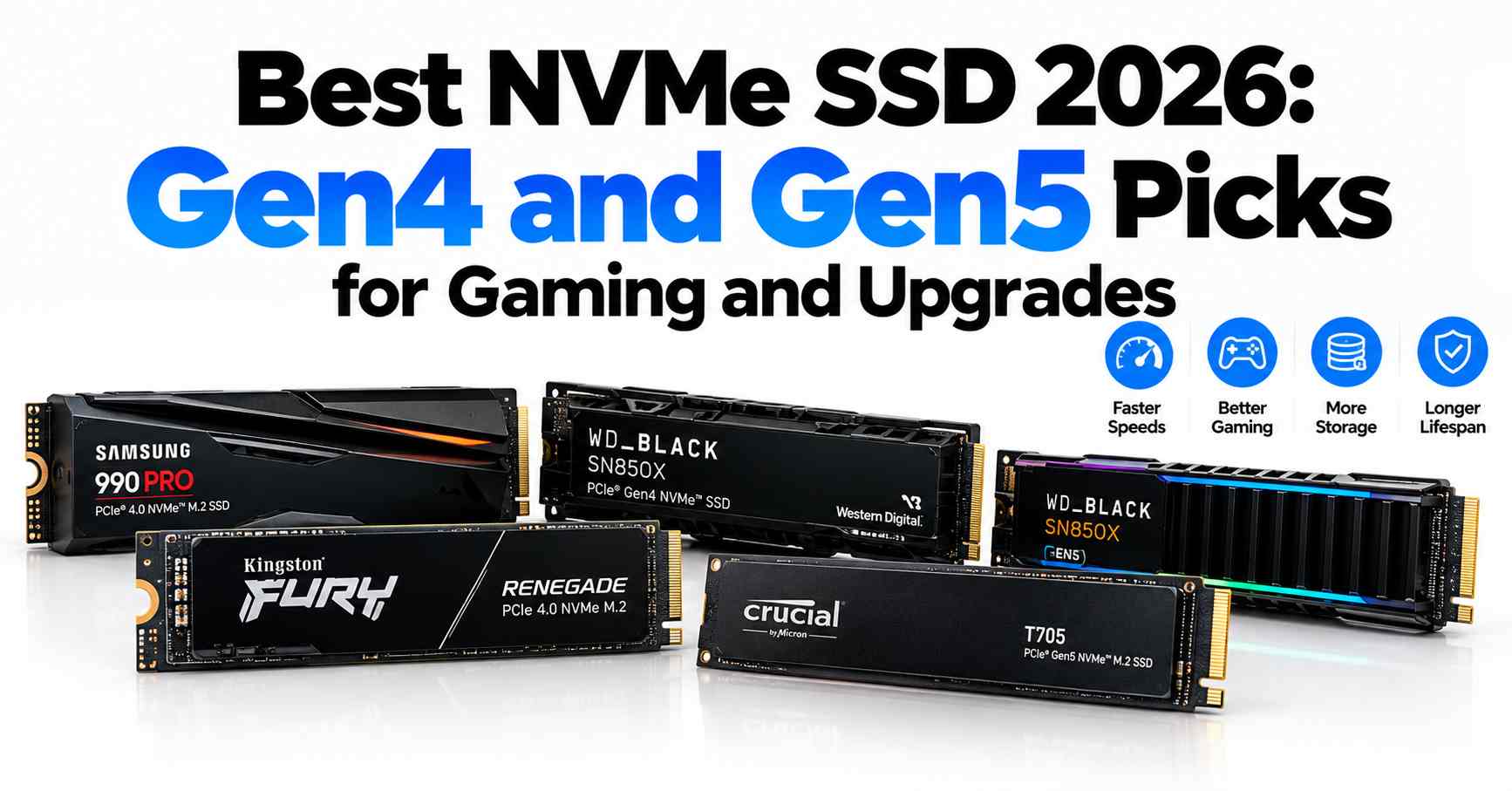
Quick Answer: For most builders, a good Gen4 drive is still the smart buy in 2026. The Samsung 990 PRO leads overall, the WD Black SN8100 leads Gen5, and the WD Black SN7100 and Crucial P310 cover value and budget. Pick by your motherboard slot first, then capacity, then price.
An NVMe SSD is a small stick-shaped drive that plugs into an M.2 slot on your motherboard. NVMe (Non-Volatile Memory Express) is the fast protocol it uses to talk to the PC. In 2026 the choice is mainly PCIe Gen4 versus PCIe Gen5, and the faster number is not always the better buy.
First, what do the key terms mean?
PCIe Gen4 and Gen5 are versions of the PCI Express connection. Each new generation roughly doubles the maximum speed per lane. Most drives here use four lanes, written as x4. A Gen5 drive in a Gen4-only slot still works, but it runs at Gen4 speed.
Sequential read speed is how fast a drive copies one large file in a straight line, measured in megabytes per second (MB/s). Random reads are the many small, scattered reads behind Windows booting, apps opening, and games loading. Random speed often matters more day to day.
A DRAM cache is a small, fast memory chip on the drive that helps it find data quickly and keep speed steady under heavy use. Drives without DRAM use Host Memory Buffer (HMB) instead, borrowing a small amount of your system RAM. A heatsink is a metal cover that spreads heat away from the drive so it does not slow down when hot.
The best NVMe SSD 2026 picks at a glance
| Model | Interface | Capacities | Sequential read (official, up to) | DRAM cache | Warranty |
|---|---|---|---|---|---|
| Samsung 990 PRO | Gen4 x4 | 1TB, 2TB, 4TB | 7,450 MB/s | Yes | 5 years |
| WD Black SN8100 | Gen5 x4 | 1TB, 2TB, 4TB, 8TB | 14,900 MB/s | Yes | 5 years |
| Samsung 9100 PRO | Gen5 x4 | 1TB, 2TB, 4TB, 8TB | 14,800 MB/s | Yes | 5 years |
| WD Black SN850X | Gen4 x4 | 1TB, 2TB, 4TB, 8TB | 7,300 MB/s | Yes | 5 years |
| WD Black SN7100 | Gen4 x4 | 500GB, 1TB, 2TB, 4TB | 7,250 MB/s | No (HMB) | 5 years |
| Crucial P310 (2280) | Gen4 x4 | 1TB, 2TB, 4TB | 7,100 MB/s | No (HMB) | 5 years |
Speeds above are the makers’ maximum ratings for the family. Smaller capacities are sometimes rated lower, so check the exact size you plan to buy.
Best overall: Samsung 990 PRO
Best for builders who want one proven Gen4 drive for Windows, games, and everyday creative work.
Samsung rates the 990 PRO at up to 7,450 MB/s sequential reads and 6,900 MB/s writes, with its own controller, TLC flash, and a DRAM cache on every capacity. It comes in 1TB, 2TB, and 4TB, with a 5-year limited warranty. Samsung Magician software is a practical plus for health checks and firmware updates.
The trade-off is simple: this is a Gen4 drive, so it cannot use a Gen5 slot’s extra bandwidth. If you move very large files every day, a Gen5 pick below will copy them faster. Do not pay a large premium for the 990 PRO over the SN850X when both are on sale — they sit in the same performance class, and price should often decide.
Best PCIe Gen5: WD Black SN8100
Best for a new Gen5 motherboard and heavy file work.
SanDisk, which now sells the WD Black line, rates the SN8100 at up to 14,900 MB/s sequential reads and up to 14,000 MB/s writes on the 2TB and 4TB models, with DRAM and TLC 3D CBA NAND. Capacities run from 1TB to 8TB, with a 5-year limited warranty. Independent comparison coverage in TechRepublic found the SN8100 ahead of the Samsung 9100 PRO in most matched tests, with stronger sustained writes after the fast cache fills.
Skip this drive if your board is Gen4-only and you do not plan to upgrade it soon. You would pay Gen5 money and get Gen5 speed only after a platform change. Gen5 drives also need good cooling: use the motherboard heatsink or the heatsink version, especially for long transfers.
At launch, SanDisk set US prices at $179.99 for 1TB, $279.99 for 2TB, and $549.99 for 4TB for the non-heatsink version. Checked: October 23, 2026, SanDisk launch coverage via Aivanet. Those are launch prices, not today’s shelf prices — check current listings before you buy.
Best Gen5 alternative: Samsung 9100 PRO
Best for buyers who prefer Samsung’s software and a Gen5 drive with strong random performance.
Samsung rates the 9100 PRO at up to 14,800 MB/s sequential reads and 13,400 MB/s writes, with an in-house controller, V-NAND TLC, and DRAM that scales with capacity — 1GB on the 1TB model up to 8GB on the 8TB model. Warranty is 5 years. TechRepublic’s matched comparison noted the 9100 PRO ran slightly cooler than the SN8100 in its testing, while trailing it in sustained writes.
Who should not buy it? Anyone choosing only on price per terabyte should compare carefully first. Samsung’s direct pricing has often sat well above the SN8100 at the same capacity in 2026 comparisons, so the 9100 PRO makes most sense when it is discounted, or when you already use Samsung Magician and want to stay with it.
Best value Gen4: WD Black SN7100
Best for gaming PCs and laptops where power use and heat matter.
The SN7100 is a DRAM-less Gen4 drive rated at up to 7,250 MB/s reads and 6,900 MB/s writes on the 1TB and 2TB models. It uses HMB instead of onboard DRAM, TLC 3D NAND, and comes in 500GB, 1TB, 2TB, and 4TB with a 5-year warranty. Its low power draw is the main reason to pick it for a laptop or a compact build.
The honest limit is sustained writing. Without DRAM, long, heavy write jobs can slow sooner than on the 990 PRO or SN850X once the fast cache fills. For game installs, Windows, and normal daily use, most owners will not notice. For a workstation that writes large files all day, spend more on a DRAM drive.
Best budget: Crucial P310 (2280 version)
Best for a low-cost Gen4 upgrade for gaming and general use.
Crucial rates the P310 2280 at up to 7,100 MB/s sequential reads and 6,000 MB/s writes. It is DRAM-less, uses HMB, and carries a 5-year limited warranty in 1TB, 2TB, and 4TB sizes. Review coverage of the 1TB model identifies Micron 232-layer QLC NAND and a Phison E27T controller, and notes much lower endurance than TLC rivals — 220 TBW (terabytes written) on the 1TB model.
That endurance figure is the reason for the low price, and the reason some buyers should skip it. If you record, edit, or move large files constantly, a TLC drive such as the SN7100 or 990 PRO is a safer long-term home for that work. For a games library and a Windows drive on a tight budget, the P310’s speed for the money is hard to argue with — when its price is clearly below the SN7100.
Best high-capacity: WD Black SN850X
Best for a large game or media library on one drive, up to 8TB.
The SN850X is a Gen4 drive rated at up to 7,300 MB/s reads, with DRAM, TLC NAND, and a 5-year warranty. It is one of the few consumer lines in this guide that reaches 8TB, alongside the two Gen5 flagships. For a PlayStation 5, choose the heatsink version and check Sony’s fit rules; for a PC, the motherboard heatsink is usually enough.
Do not buy the 8TB model just because it exists. Two smaller drives can cost less per terabyte, and the 4TB and 8TB SN850X models are double-sided, which can be a tight fit in some thin laptops. Buy the big model when you have one usable slot and a library you truly want kept installed.
Gen4 vs Gen5: who actually needs Gen5?
Gen5 roughly doubles the headline sequential number — about 14,900 MB/s versus about 7,450 MB/s at the top of Gen4. That gap shows up most when you copy huge files: game installs, raw video, disk images, or a full drive clone. It shows up much less in Windows boot times, app launches, and most game loading, where random reads and your CPU and GPU do much of the work.
You likely need Gen5 if all three are true: your motherboard has a Gen5 x4 M.2 slot, you move tens or hundreds of gigabytes often, and you have proper M.2 cooling. Everyone else is usually better served by a good Gen4 drive and spending the savings on more capacity.
Plain-English version: Gen5 is a wider highway, not a faster car engine. If your daily traffic is small trips around town, the wider highway changes little. If you haul truckloads of files every day, the extra lanes save real time — but only if your PC has the on-ramp, which is a Gen5 slot, to use them.
Why are SSD prices higher in 2026, and should you wait?
SSD prices have risen through 2026 because NAND flash — the chips that store your data — is in short supply. Reporting based on TrendForce data points to AI data centers buying large amounts of enterprise SSD capacity, with NAND contract prices forecast to rise another 15% to 20% in the fourth quarter of 2026. The same squeeze is behind the RAM shortage covered in our first Knowledge Base article.
That does not mean buy in a panic. It means buy for a real need, at the capacity you will use, and compare retailers on the day. If your current drive still works and the upgrade is optional, waiting is reasonable — but no forecaster cited here promises lower consumer prices in the next few months, so do not build a plan around a quick drop.
How to choose the right capacity
For a Windows and gaming PC, 1TB is the practical minimum in 2026, and 2TB is the comfortable choice for most builders. Modern games often need 100GB or more each, and a nearly full SSD can slow down during writes. Choose 4TB if you keep video projects or a large library installed. Keep at least 10% to 15% of the drive empty, back up important files to a separate device, and remember that an SSD is not a backup by itself.
Before you order, confirm four things: your slot is M.2 2280, it supports NVMe (some older slots are SATA-only), which PCIe generation it runs at, and whether a heatsink is included with your board. Those four checks prevent almost every wrong purchase in this category, including the most common one — paying for a Gen5 drive for a Gen4-only board.
Conclusion
The best NVMe SSD in 2026 is the one that matches your motherboard’s M.2 slot and your real workload, not the one with the biggest speed number on the box. A drive your board can’t fully use is money wasted, and a faster drive rarely feels faster in daily use.
Quick picks by use case:
- Best overall NVMe SSD (PCIe 4.0): The Samsung 990 PRO is the safest buy for gaming PCs, creator builds, and general-purpose upgrades. If a comparable top Gen4 drive is cheaper this week, buy that instead; the real-world difference is small.
- Best PCIe 5.0 NVMe SSD: The WD Black SN8100 makes sense only if your motherboard has a Gen5 M.2 slot and you do heavy file work like 4K/8K video editing, large dataset transfers, or big project scratch disks.
- Best budget NVMe SSD: The WD Black SN7100 or Crucial P310 deliver strong Gen4 performance and capacity per dollar, ideal for gaming libraries, laptops, and PS5 storage upgrades.
Before you buy, do this:
- Open your motherboard manual and check the M.2 slot generation (PCIe 3.0, 4.0, or 5.0).
- Check whether the slot has a built-in heatsink, since Gen5 drives run hot and may throttle without one.
- Compare current prices on the two drives that fit your slot, and choose the cheaper one at the capacity you need.
Match the drive to your slot, and you get the best value, speed, and longevity from your next SSD upgrade.
Frequently Asked Questions
Is a Gen5 SSD worth it for gaming in 2026?
For most gaming PCs, no. A strong Gen4 drive such as the 990 PRO or SN7100 already loads games quickly, and the extra sequential speed of Gen5 rarely cuts load times by the same margin. Choose Gen5 if your board supports it, the price gap is small, and you also move large files often.
Will a Gen5 SSD work in a Gen4 motherboard?
Yes. Gen5 drives are backward compatible with Gen4 slots, and Gen4 drives work in Gen5 slots. The drive simply runs at the slower of the two speeds — the slot’s limit or the drive’s limit. That is why buying Gen5 for a Gen4-only board only makes sense if a platform upgrade is already planned soon.
Do I need a heatsink for an NVMe SSD?
For Gen4 gaming drives, the thin cover or motherboard heatsink that many boards include is usually enough. For Gen5 drives, and for any drive doing long transfers, proper cooling matters more because heat can force the drive to slow itself down. In a PlayStation 5, Sony requires a cooling structure, so buy a heatsink model or add one.
Is DRAM important on an SSD?
DRAM helps a drive keep track of where data is stored, which supports steadier speed during heavy, mixed, or long workloads. Modern DRAM-less drives using HMB are fine for gaming and everyday use, and they cost and draw less. If you edit video, run virtual machines, or write large files daily, a DRAM drive is the safer pick.
How long will an NVMe SSD last?
Look at the warranty and the TBW rating together. Every drive in this guide carries a 5-year limited warranty, but endurance varies: flagship TLC drives are commonly rated at 600 TBW per terabyte of capacity, while the 1TB P310 is rated at $170 TBW. Most home users write far less than even the lower figure each year.
Should I buy an SSD now or wait for prices to fall?
Buy now if you are building today, your drive is failing, or you are out of space — current forecasts do not promise near-term relief from the NAND shortage. Wait if the upgrade is purely optional and your current drive is healthy. Either way, buy the capacity you need once, rather than a small drive you will replace sooner.
